Step-by-step tutorial
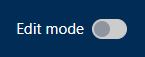
- Enter the course, and click the button next to “Edit mode” on the top right menu.
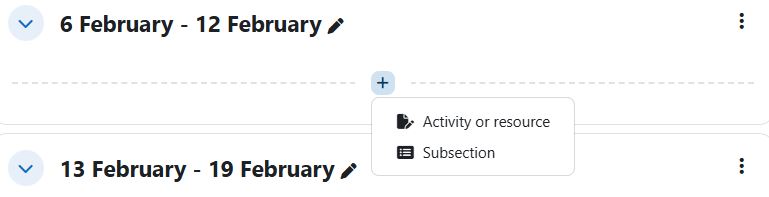
- In the course outline, choose a Week/Topic and click the “+” button and click “Activity or resource”.
- Select “URL” on the menu.
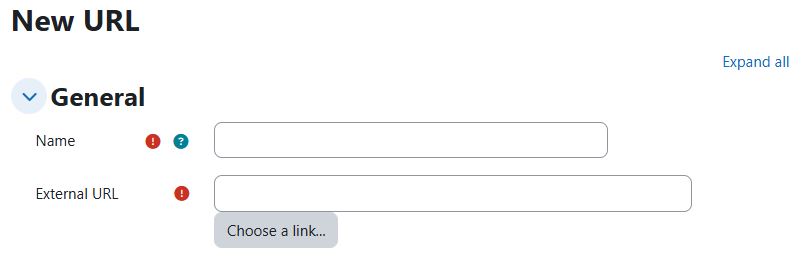
- Input the “Name” and “External URL” in the form.
- Click the button “Save and return to course” to confirm the change.